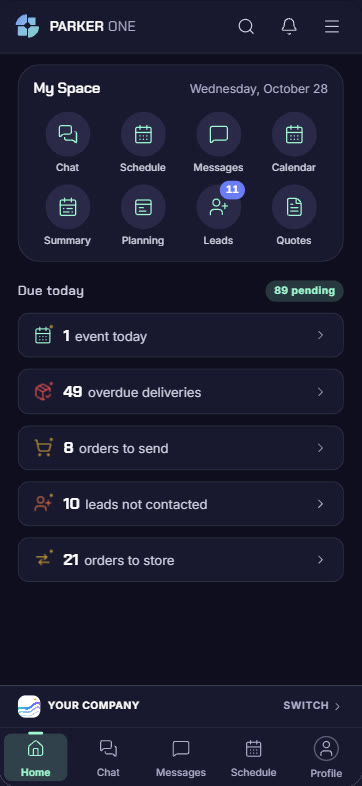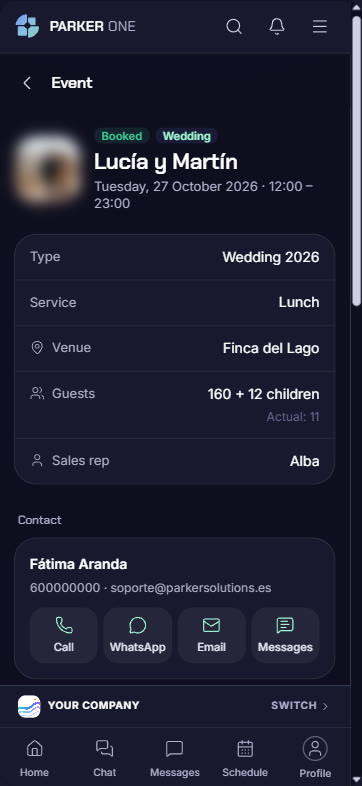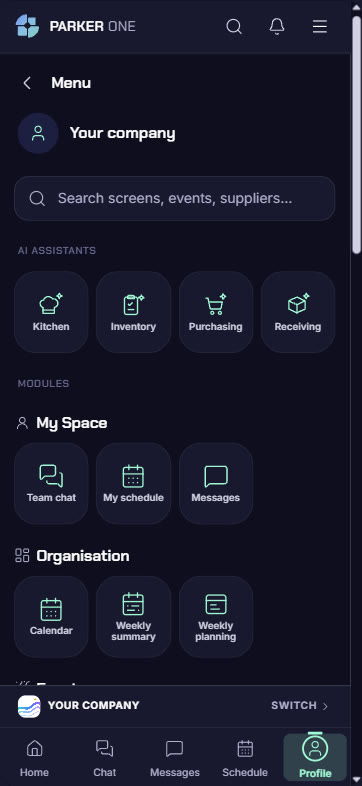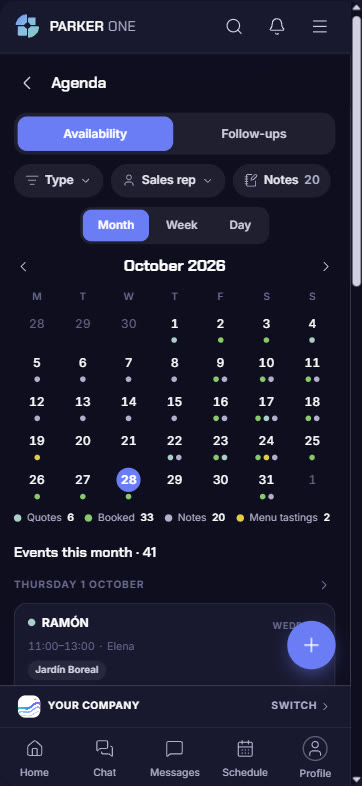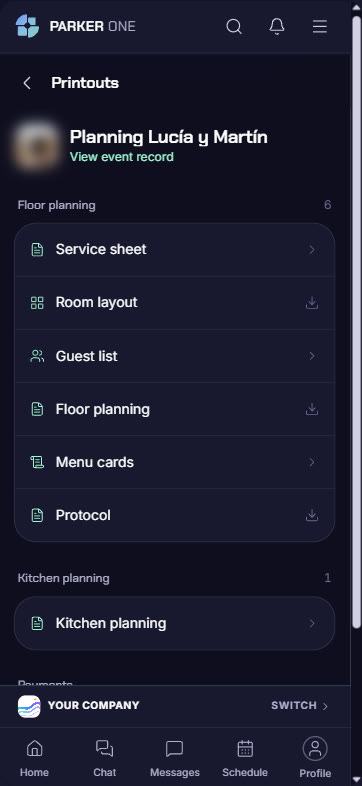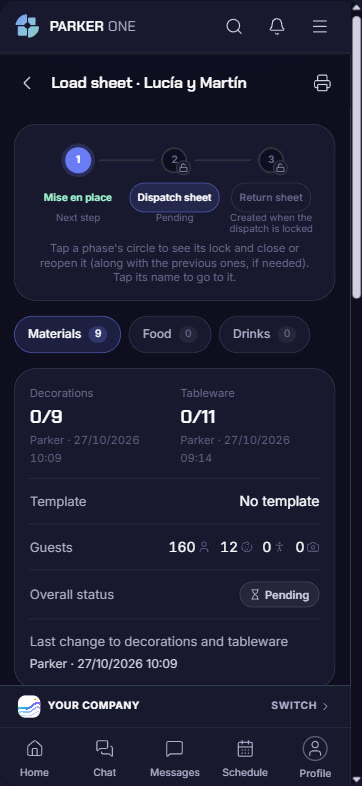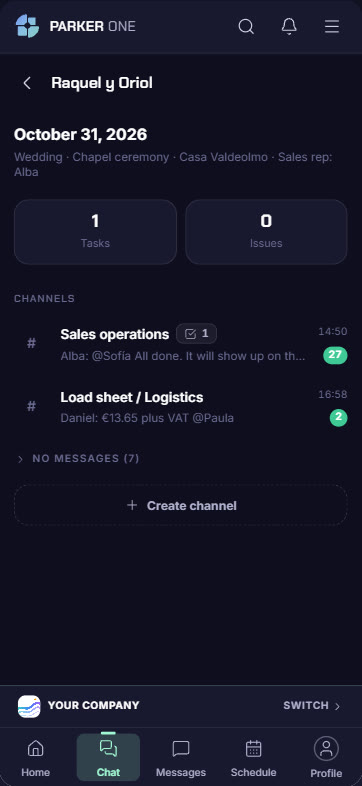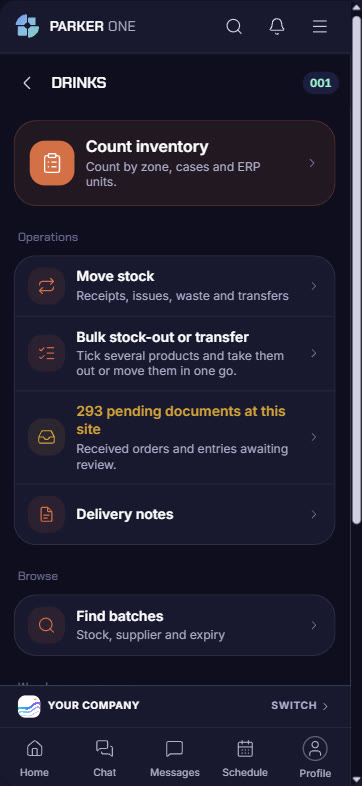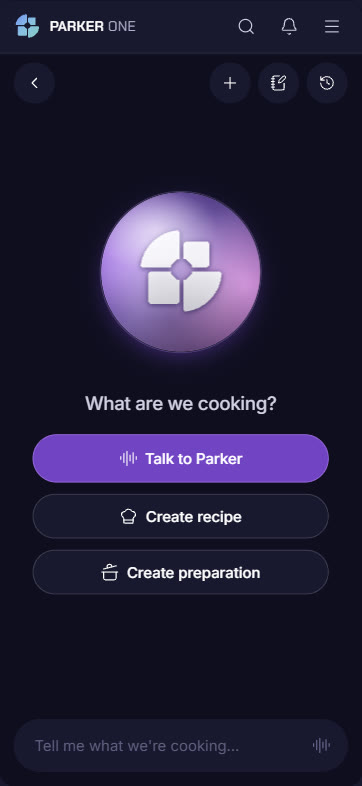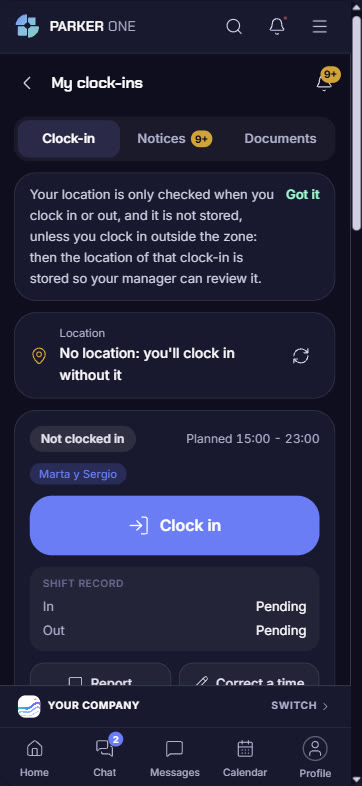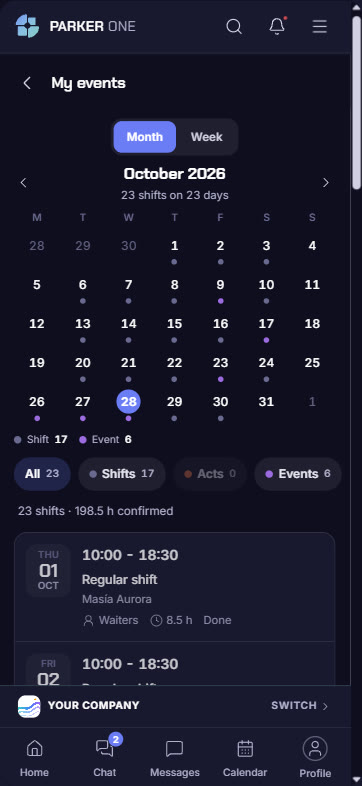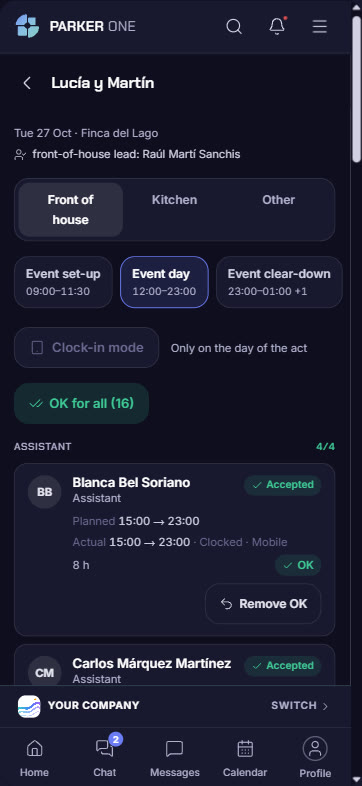
Sales, maîtres d', kitchen, warehouse, purchasing, admin and management work from their phone or tablet, with the same data as the ERP and in real time. Whatever is done in Parker One shows up in the ERP instantly, and the other way round.
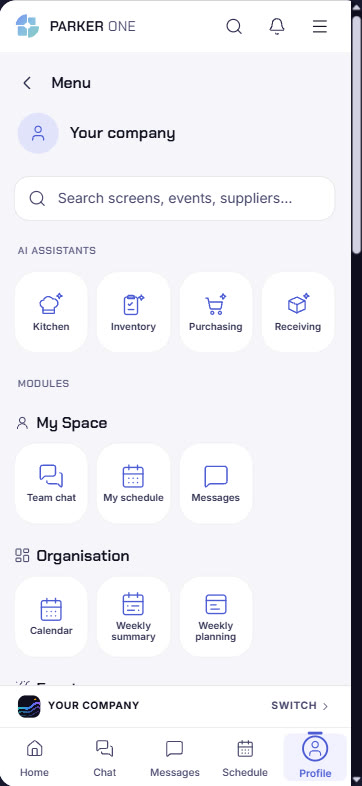
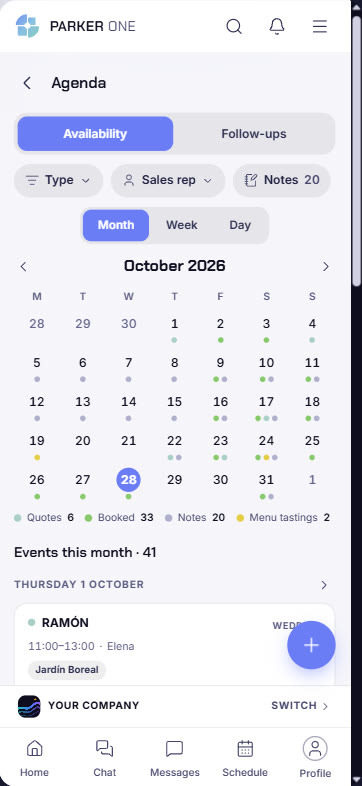
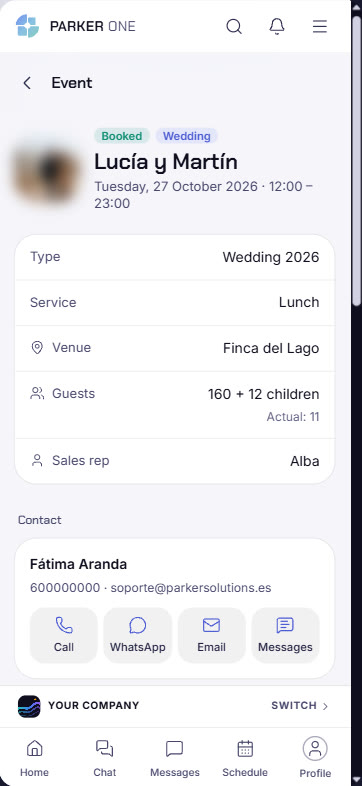
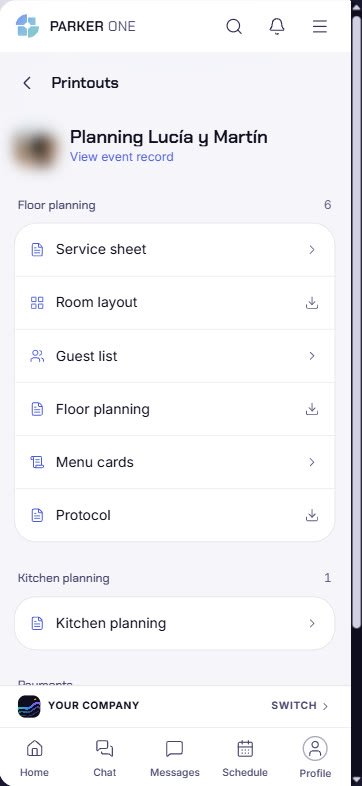
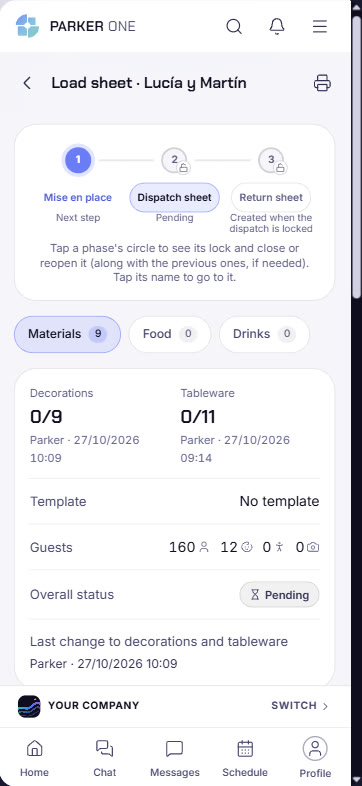
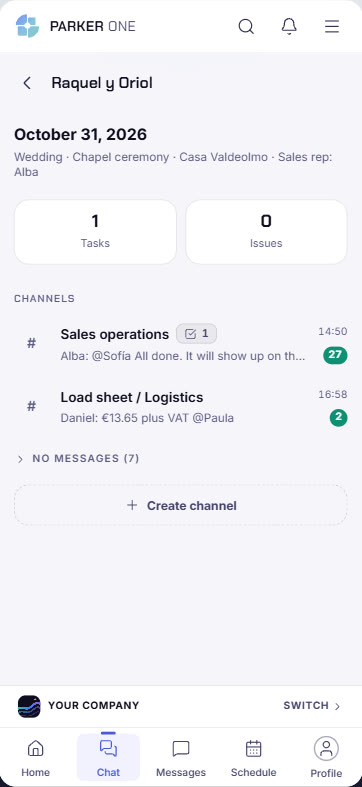
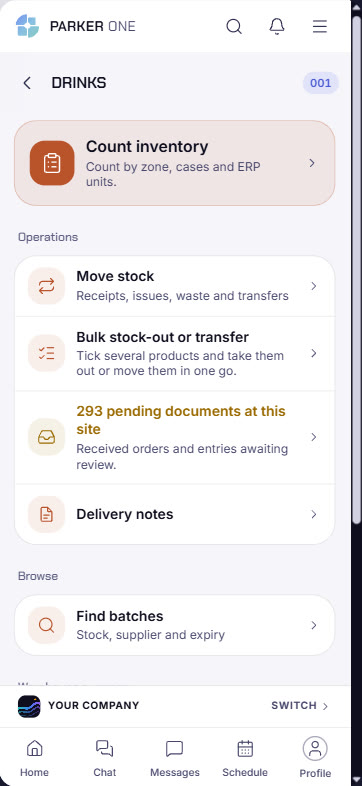
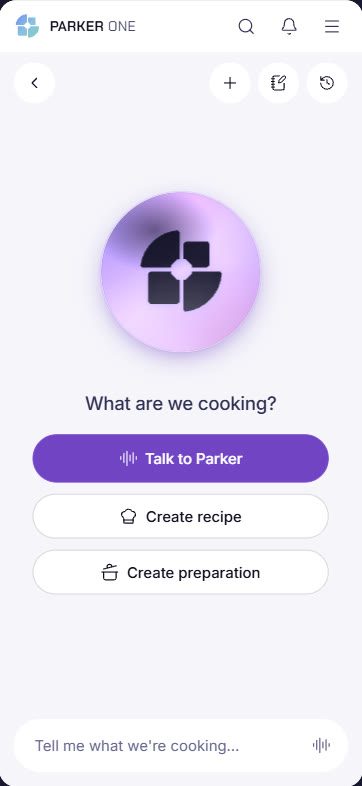
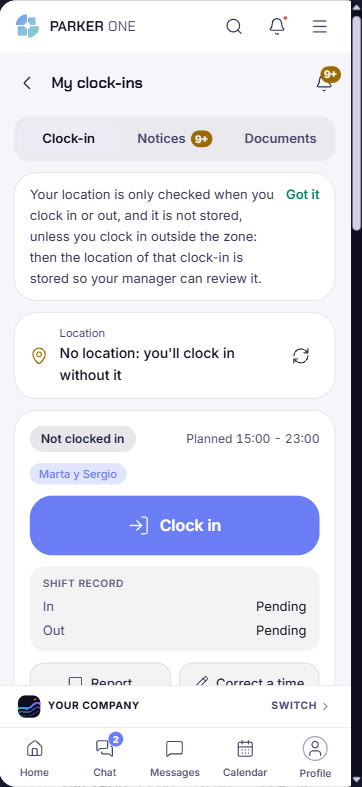
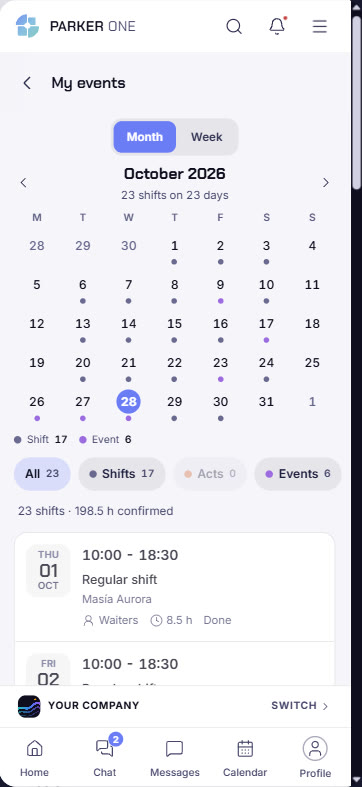
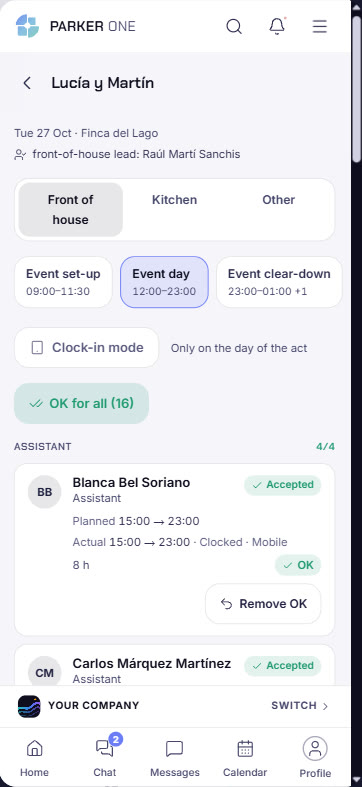
Tap each area to see the real screen and what it lets you do.
Real Parker One screenshots, with names changed. Each person sees the areas their permissions allow and the modules your company has contracted.
Staff log in with their own user and see only what is theirs. And whoever is in charge of an event also sees their team.
Real Parker One screenshots with a worker user from a demo site.
For people on the move: the salesperson on a visit, the maître d' at the event, the warehouse manager between the shelves.
The screen is used to its full width: more information in view in the kitchen, the warehouse or the venue office.
Every module you have in the ERP appears in Parker One. If you add one, it appears in the app without you doing anything else.
| Sales & CRM | Calendar, leads, quotes, events, messages and email |
| Traceability | Load sheet, staff and event consumption control |
| Purchasing | Shopping list, orders, goods receipt and delivery note scanner |
| Warehouses | Stock count, movements, batches and outgoing delivery notes |
| Finance | Balances, invoicing, deposits, entries and payments |
| Human Resources | Clock-in, my events, my calendar, holidays, documents and event staff |
| Parker AI | Purchasing, goods receipt, kitchen and stock count by voice |
Parker One respects the ERP's permissions. Salespeople see their events and their clients; the warehouse manager, their warehouse; workers, their clock-in, their shifts and their holidays. Nobody sees what is not theirs to see.
Build your Parker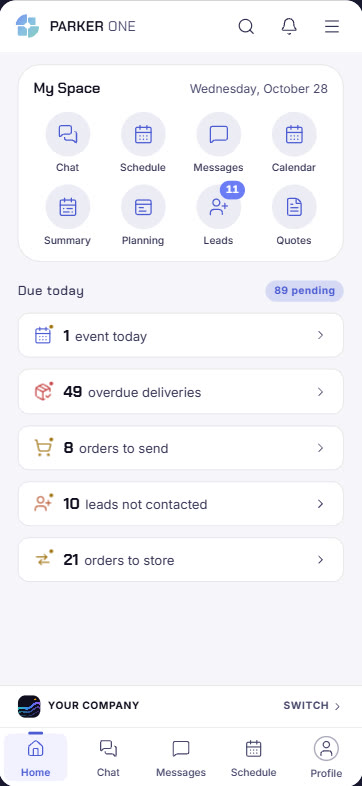
With separate tools you pay several subscriptions and your data never connects. With Parker, everything is in one place.
Your consultant sets it up for every role in your team, on phone and tablet.