Module · Warehouses

Every batch in its place.
And you know where it came from and where it went.

What is in every cold room, dry store or cellar, batch by batch, with everything that comes in and goes out. Received purchases come in on their own, production adds and subtracts, and events reserve and use up the equipment and stock.
Get your proposal The life of a batch
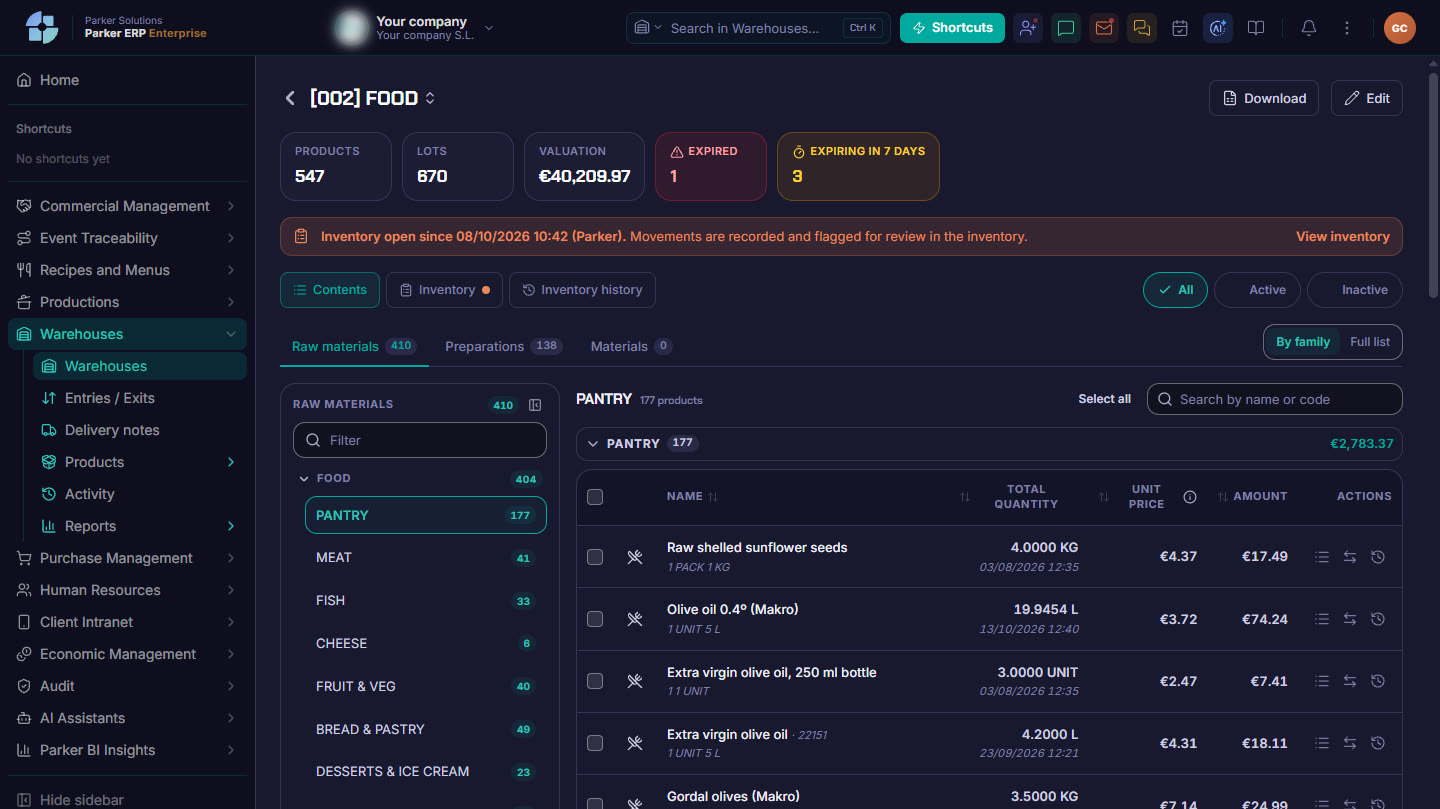
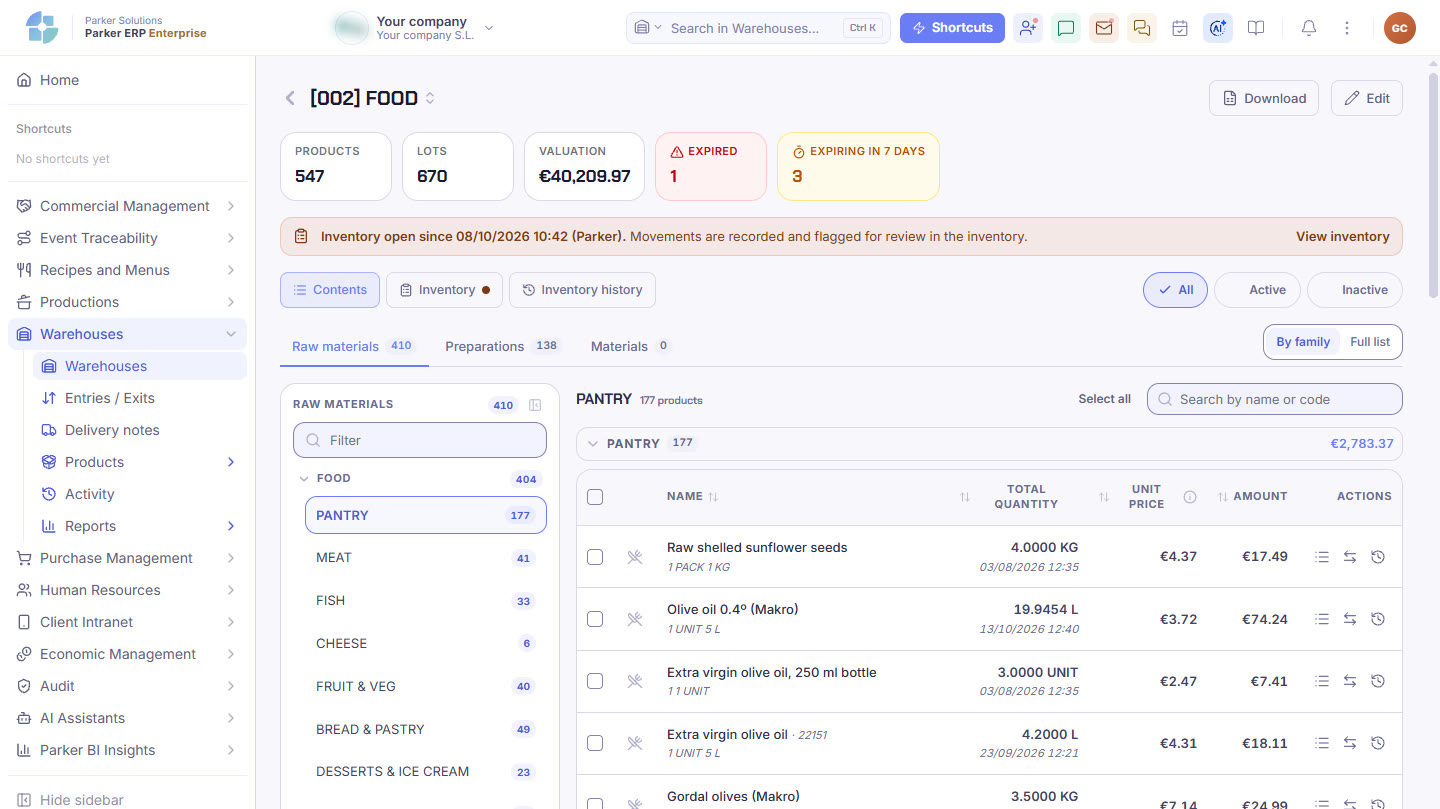
Parker screenshot: a warehouse with its products, batches, valuation and what is about to expire, by family.
A warehouse with its products, batches, valuation and what is about to expire, by family. Real Parker screenshot with demo data.
The life of a batch

From supplier to event, without ever losing track.

Tap each step.

Day to day in the warehouse

Every movement, with its batch and its reason.

One product at a time or several at once, from the computer or from your phone in the cold room.

Goods inInto an existing batch or a new one, for example what comes back unused from an event.
Goods outWhat is sold, returned to the supplier or missing in a stock count.
TransferTo another warehouse in the venue or to another site in the group.
WasteAnything broken, spoiled or expired, with its reason, its cost and a photo if you like.
Warehouses, zones and products

Your warehouse, organised the way it really is.

Cold rooms, chest freezers, dry store and cellar, divided into zones, and every product with its default location and its minimum and maximum stock.

Warehouses and zonesEach warehouse with its type, its manager and its temperatures, and its zones: shelving unit, shelf or freezer.
Raw materials, preparations and equipmentFood, kitchen preparations and event equipment, each with its default warehouse and zone, and its minimum and maximum stock.
What it is worth and what expiresEach warehouse with its products, its batches and its valuation, plus an alert for anything expired or about to expire.
Front-of-house equipment, by familyCrockery, glassware, cutlery, table linen or furniture, with its stock at the site and across the group.
Stock counts

Count without stopping the warehouse.

You open the stock count and count whenever you have a moment. Stock does not change until you close it, and then it becomes what was counted.

Batch-by-batch stock countEach batch with its expiry date is counted separately, and Parker warns you about large differences before you close.
From your phoneIn Parker One, standing in the cold room: you count stock by zone, box and unit, move goods, take out or transfer several products at once, check received goods still pending, create outgoing delivery notes and look up batches. With a summary of each warehouse: products, batches, expired items and valuation.
Stock count historyPrevious stock counts, to compare two, print them or download them.
Equipment for your events

You know whether there is enough equipment for each event.

Crockery, glassware, table linen or decoration: Parker tells you how much you have, how much is committed to events and when you are going to run short.

Equipment availabilityBy site: stock, committed and free, with the first expected shortfall.
Stock
Committed
Free
When you run shortYou decide what Parker does: bring it from another site, hire it or buy it. And you see it in the stock-out view in Event traceability.
Outgoing delivery notesWhat goes out to an event or a client, batch by batch, with its price. If it needs to be charged, it goes to invoicing.
Control

Your warehouse figures, ready to close the month.

Five reports and a log of everything that has been done, so the warehouse always balances.

ReportsBatches received, stock and value at a given date, change in stock (actual consumption), expiry dates and stock count discrepancies.
Goods in and outWhat came in and went out each day and why, with an alert for received purchases that have not yet been put away.
ActivityWho made each movement, closed a stock count or changed a warehouse, and when.
Connected

The warehouse moves in step with the rest of Parker.

Purchasing adds what is received, Production adds and subtracts, events reserve and consume, and Finance invoices what goes out.

Purchasing Production Event traceability Recipes & Menus Finance Parker One
Parker Solutions · Your technology partner

With separate tools you pay several subscriptions and your data never connects. With Parker, everything is in one place.

One single toolOne single databaseAll your departments connectedAll your information up to date, in real time
Why one ERP and one partner →

Your warehouse, up to date and fully traced.

Your consultant helps you set up your warehouses, zones and products in Parker.

Get your proposal Already a client · Add modules